
How to Choose an AI Booking Tool for a Service Business
- Compare booking tools on channels, calendar connection, after-hours coverage, blocked time, language and confirmations.
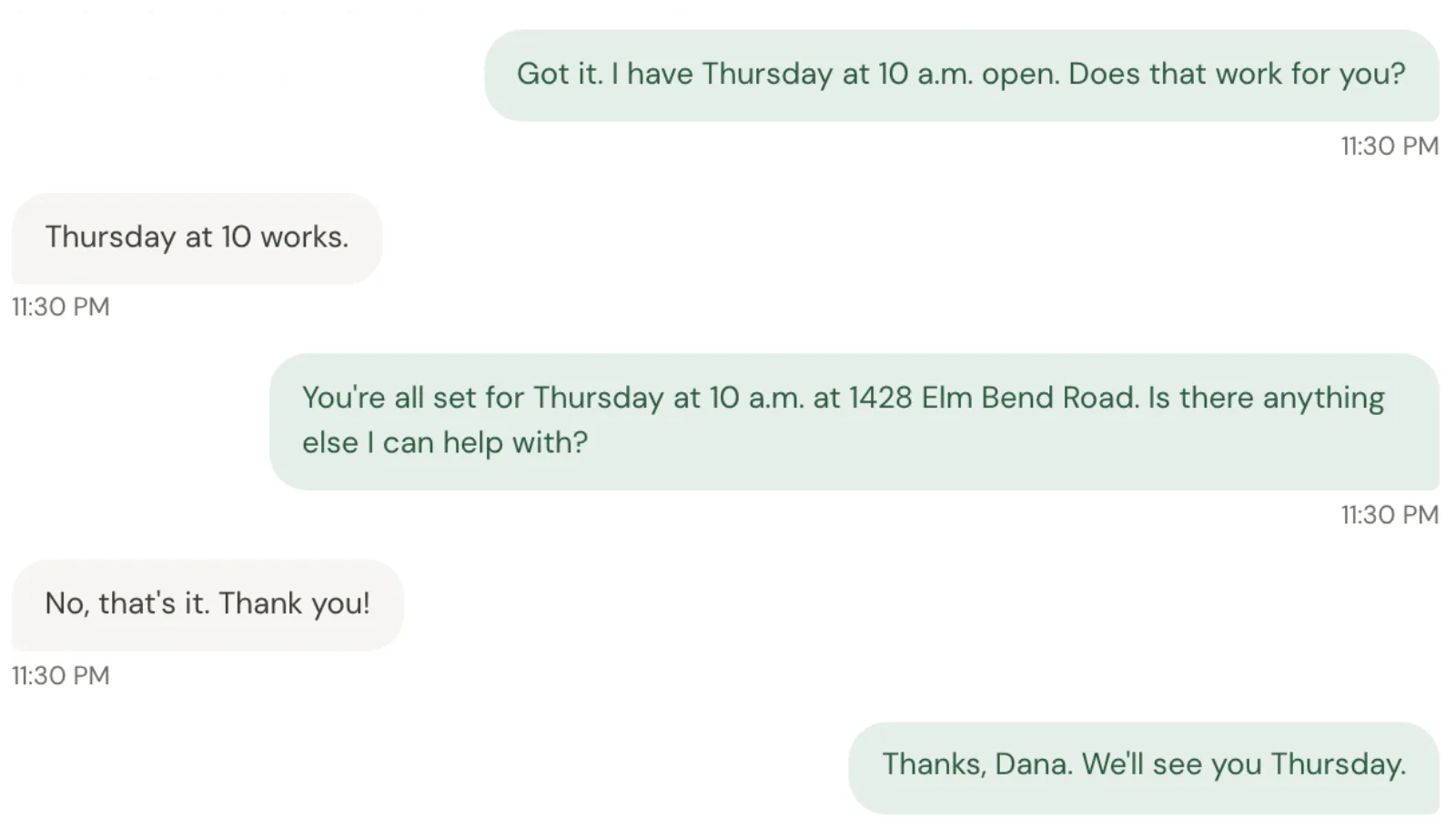
- Bianca books into Google Calendar or Calendly, offers only free times, and sends a confirmation text and reminders.
- Test every tool the same way: call after hours, ask for an appointment next week, and check where it lands.
An online booking system used to mean a calendar link on your website. Customers who found it could book. Customers who called, texted or sent a message after hours could not.
AI booking tools close that gap. An AI receptionist answers business calls, books appointments and passes the details to your team, on more channels than a booking page can reach. This guide covers what to look for when choosing one for a service business.
Choosing a booking platform
Start with three questions: where your customers reach you, how bookings land in your calendar, and what happens after hours.
| What to check | Why it matters | What Bianca does |
|---|---|---|
| Channels covered | Customers call, text, chat and message on social | Answers phone calls, website chat, texts, WhatsApp, Messenger and Instagram in one Inbox |
| Calendar connection | A tool that cannot see your calendar can only take messages | Connects to Google Calendar or Calendly, one at a time |
| After-hours coverage | Many requests arrive in the evening and on weekends | Answers 24/7, including holidays |
| Days off and blocked time | Bookings on a day you are closed cause cancellations | Will not book times you block, but still answers |
| Language | Some customers prefer Spanish | Answers in English and Spanish |
| Confirmations | Customers forget appointments | Sends a confirmation text and reminders before the appointment |
Capturing leads and converting them to bookings
Leads come from many routes: forms, landing pages, calendars and inbound calls. A booking tool earns its place when every route ends in the same calendar.
Here is how that works with Bianca and a connected Google Calendar:
- A customer calls at 9 p.m. about a repair.
- Bianca asks what they need and collects their name, phone number and address.
- She checks your calendar and offers only times that are free.
- The customer picks one, and the appointment lands on your calendar.
- The customer gets a confirmation text, then reminders before the visit.
- You see the call in your Inbox the next morning, with the transcript and details at the top.

With Calendly, Bianca offers the times your Calendly event type has open. With no calendar connected, she takes the request, tells the customer you will confirm, and emails you the details.
The same flow works for website chat, texts and social messages. Every conversation becomes a lead in one Inbox, and leads move through New, Contacted, Booked and Lost. You are alerted about missed calls and leads that go quiet, so follow-up does not depend on memory.
Bilingual receptionist and scheduling support
If you serve Spanish-speaking customers, compare bilingual tools on four points:
- Languages: Which languages are supported, and on which channels?
- Channels: Does Spanish work on calls, texts, chat and social messages, or only on one?
- Booking steps: Can a Spanish-speaking customer complete a booking without switching to English?
- Handoff: When a person needs to step in, do you get the full conversation in writing?
Bianca answers calls, chats, texts and social messages in English and Spanish, and books appointments in both.
Related reading
- AI Lead Capture and Booking for Home Service Businesses
- AI Voice Receptionists for Home-Service Lead Follow-Up
Frequently asked questions
Which calendars does Bianca work with?
Google Calendar and Calendly. You connect one from your portal.
Will it book when I am closed?
No. Block a holiday or a morning, and Bianca will not book it. She still answers the phone.
Does it handle customers in other time zones?
Bianca uses your business's time zone for hours, booking and reminders. She does not convert times for each customer.
How do I start?
New accounts get a 14-day free trial. See current plans on the pricing page.